Moving In
How exciting! You're going to live with us 😄 Here's everything you need to know.
Before you move in
The first thing you need to do is sign your contract that you will get from us on e-mail. You can sign with BankID, SMS, click-signature, and Draw. When you sign your contract, you also accept our Residence regulations.
There are no insurances included in our rental agreement. We recommend having both home contents insurance and travel insurance when living in student housing. Check whether you are covered by your parents' insurance before buying your own.
Moving in
How you get the key or access to the home depends on where you live. Find out what it's like in your city here:
Physical keys
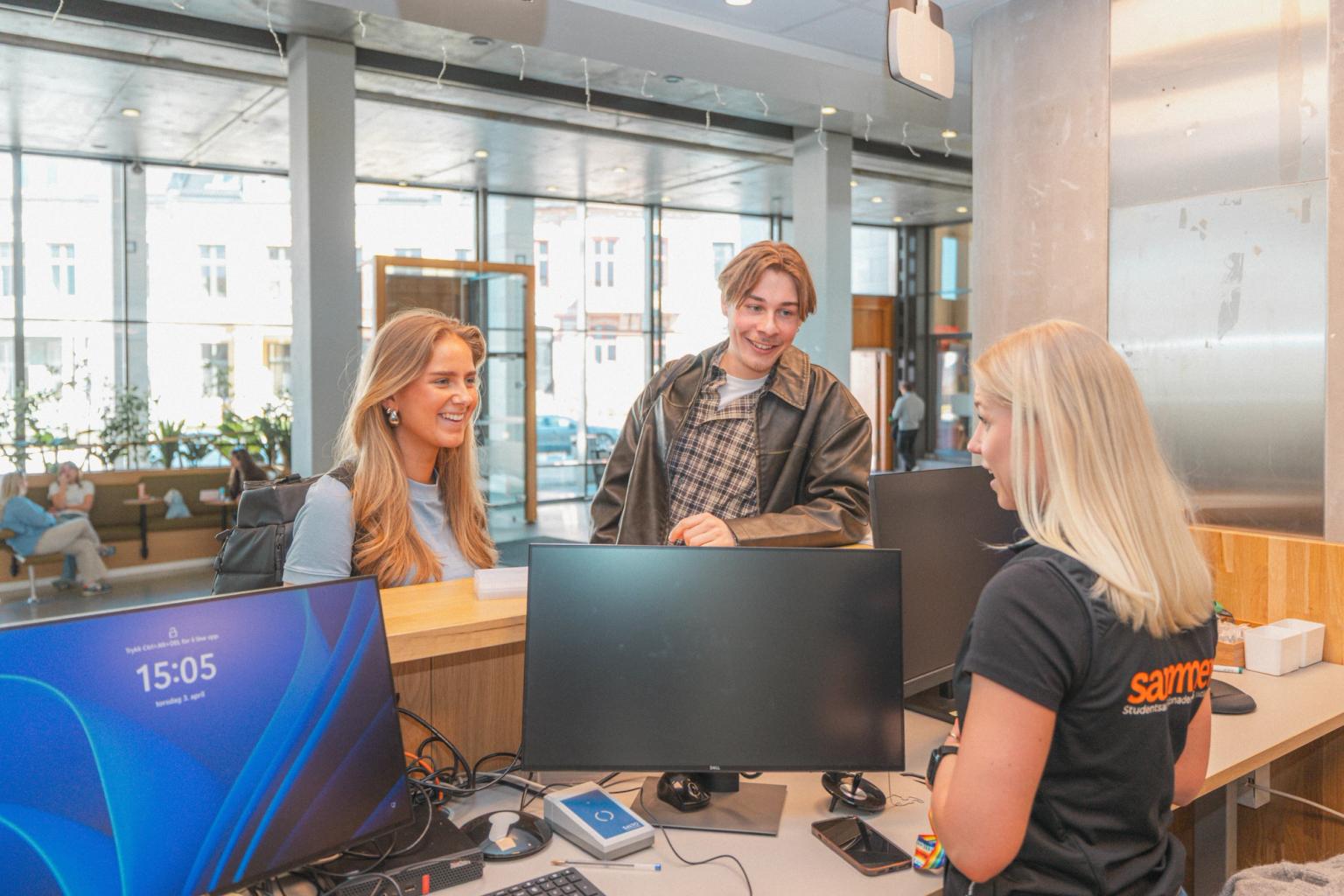
If you live in one of these buildings, you can pick up your physical keys at the Sammen Service Centre at Parkveien 1:
Alrek, Fridalen, Grønneviksøren, Hans Holmboes gate, Harald Hårfagres gate 7 and 9 and Øyjordsveien.
Alrek, Fridalen, Grønneviksøren, Hans Holmboes gate, Harald Hårfagres gate 7 and 9 and Øyjordsveien.
You can pick up physical keys from 3:00 PM on the day your lease begins. You can also pick them up at a later time.
Remember to bring valid identification when picking up the keys.
If someone else is to pick up the keys for you, that person must bring a letter of authorization from you. The authorization must include the name of the person picking up the keys.
Digital keys
All buildings other than those listed under "Physical keys" use digital keys. You can move in from 3:00 PM on the day your contract begins.
Moving in during August:
You will receive information about the digital key via email approximately one week before moving in, and you will normally receive the digital key directly on your mobile phone on the day your lease begins.
You will receive information about the digital key via email approximately one week before moving in, and you will normally receive the digital key directly on your mobile phone on the day your lease begins.
If you have not received the information by the time your contract starts, you can contact us via the contact form or visit the Service Centre.
Moving in at a time other than August:
In this case, you must visit the Service Centre to gain access to the digital key. Remember to bring valid identification.
In this case, you must visit the Service Centre to gain access to the digital key. Remember to bring valid identification.
Open for key collection Monday-Friday 08.00 - 15.00.
Please make arrangements with our janitor in good time:
Phone: 97 59 89 02
Email: kare.gjelsvik@sammen.no
Email: kare.gjelsvik@sammen.no
Open to retrieve keys: Monday-Friday 08.00 - 15.00.
Book a pick-up time with our staff well in advance:
Sørhauggata phone: 48 09 03 76
Vardatun phone: 90 10 52 53 or 90 85 30 14
Sørhauggata phone: 48 09 03 76
Vardatun phone: 90 10 52 53 or 90 85 30 14
You can collect your keys Monday-Friday 08:00-15:00 in our administration office in the Staduim building on Fosshaugane Campus.
Address: Trolladalen 30, 6856 Sogndal
Open to retrieve keys: Monday-Friday 08.00 - 15.00.
More and more of our student housing units now use digital keys. Read more about how to download the app, etc.:
Before moving in, you have to:
- Download the JustIN Mobile app.
- Enable Bluetooth on your mobile phone.
- Allow background updates.
- Open the app once the key is active.
How to use the digital key:
Log in using the phone number registered in the Housing portal.
iPhone: Open the app, tap the key, and hold your phone against the reader.
Android: Hold your phone against the reader.
The key becomes active at 3:00 PM on the day your contract begins. With the digital key, you can go straight to your student housing using the key on your phone.
After you have moved in
Removing furniture and hanging up posters
It's understandable that most people want to make the residence feel their own. You're welcome to do so, but if you want to remove/replace furniture that belongs to the residence, you must store them in a safe place and put them back when you move out.
Avoid making holes in the walls to hang posters etc. Instead, use the picture rails we have installed in our residences 😊
Errors or Deficiencies
Contact us via the Housing portal as soon as possible if you discover any errors or deficiencies in your residence, and we'll take care of it.